
Excel as your operating system: when to automate it
Excel as your operating system
Excel is an automation case when it is the repeated glue between two systems that do not talk: the same sheet, the same columns, the same import, every week, with an owner and an output someone else could recognise. A workbook one person reinvents every week, with new formulas and new questions, is a first job of writing the logic down. It is a poor first build.
This is for finance, ops and office leads in a Swiss SME. Finance has a tool, field sales a CRM, the floor a list in an industry program. None of them cover the week, so the week lives in a file on a SharePoint that three people know how to find. You are not looking for a ban on spreadsheets. You are looking for the columns that should move on their own, and the cells that should stay a person’s job.
Candidate
- Same sheet, columns and import every week
- An owner, and an output a second person could check
Write it down first
- Logic only one person knows, and it changes weekly
- Different questions and different columns each time
The honest file between two systems
The spreadsheet is often the only place the firm tells the truth. The CRM has the visit. The accounting tool has the invoice. Neither has “this job is waiting on material that the supplier PDF says is late”. Someone pastes both into Excel because a meeting needs one page.
That paste is the interface the two vendors did not ship. People fill a gap the CRM and finance leave open. Treat the file as a system: name the file, the tab, the columns, and who may overwrite them. If the file is called Final_v7_USE_THIS.xlsx and a sibling called Final_v7_REAL.xlsx also exists, the interface is undocumented. Fix the name before you point a tool at a folder.
Keep Excel where people think in rows. The goal is to define the glue. Which columns are copies of an export. Which columns are a human input that has no system yet. Which system should be the record afterwards, so you stop maintaining two truths.
When it is worth automating
Same sheet, same columns, same import, every week. Someone downloads export A, copies it into sheet 2, calculates, and sends a PDF or a sheet to leadership. The steps are boring enough that a holiday replacement could follow a one-page note. Frequency is there. The edge is there: export in, one file out. The file already exists.
That is the same filter as which process to automate first. If you score yes on repeat, pain, edge and existing file, this workbook is a fair first case.
Often the Monday management file is exactly that paste. The longer version, with the five sources written out, is reporting from five sources. Sometimes the holding workbook is invoices that sit in Excel until someone has time to key them into bexio or Abacus. That gap, beside the accounting tool, is invoice capture. In both, Excel is the queue. The build removes the retyping. It does not need to remove the workbook if people still want a tab they can read.
Circle the columns that are copies
If the value always comes from export A or system B, it should not be typed again.
Circle the columns a person must still decide
A judgement, a missing portal figure, an exception. Those stay manual, in a short queue.
Name the record
After the run, one system or one file is true. The other is a copy with a date in the name.
Fix folder, file name and edit rights
One path on SharePoint or locally, one name without “final_final”, and who may overwrite the tab. Without that, automation points at the wrong workbook.
Have a second person run it once from the note
If they cannot, the logic is not ready for a script. The note is the work.
A metal workshop on Friday, and the file you leave alone
Picture a 25-person metal workshop in St. Gallen. Job tickets live in a small industry tool. The planning view the owner wants is Excel, because the tool’s own report hides the columns the foreman cares about. Every Friday he pastes open jobs, hours and material into the same columns and sends a PDF. A second person in the office has done it once from a note when he was at a trade fair. That file is a candidate: two systems (the industry tool and the mail to the owner), one stable sheet, a weekly clock.
The other workbook on the same SharePoint is the estimator’s margin model. Named ranges change, the formula for “risk” is different when the job is stainless, and only he can tell you which cells are inputs. When he is off, quotes wait. Pointing a script at that file would encode one week’s invention and break the next. The first step is a written list of inputs and outputs that survives two weeks unchanged. After that, you may have a candidate. Before that, you have a person, and the firm should know it.
The Friday file can move without waiting for the margin model to become tidy. Firms stall because they try to “sort out Excel” as one project. Sort out one sheet.
What you should not automate first
A model that “explains the workbook” is the wrong purchase when the pain is retyping. You still paste.
A new BI tool is the wrong first purchase when three people need eight columns on Monday. You will spend the project arguing about a dashboard, and the Friday paste continues. If the columns are stable, glue those columns. If they are not, the dashboard has nothing stable to show.
And a ban. Telling the office to stop using Excel, without an interface between the two systems, moves the paste into mail and private files. The sheet was the record. If you remove it, name the replacement in the same week.
Bring the workbook and the two systems
Bring the file and the two exports to the Process Check. Say how often it runs, who may overwrite it, and which cells are judgement. Black out customer names if you like. The half hour returns a case on that glue, or a clear stop if the sheet is still the estimator’s private model.
You are not booking a platform that retires spreadsheets. You are booking a bounded piece between two systems you already run.
Written by
Aurum Avis Labs
Builds and ships at Aurum Avis Labs. Writes here about what we learn working with founders and SMEs in the DACH region.
Related Articles
You might also be interested in these articles
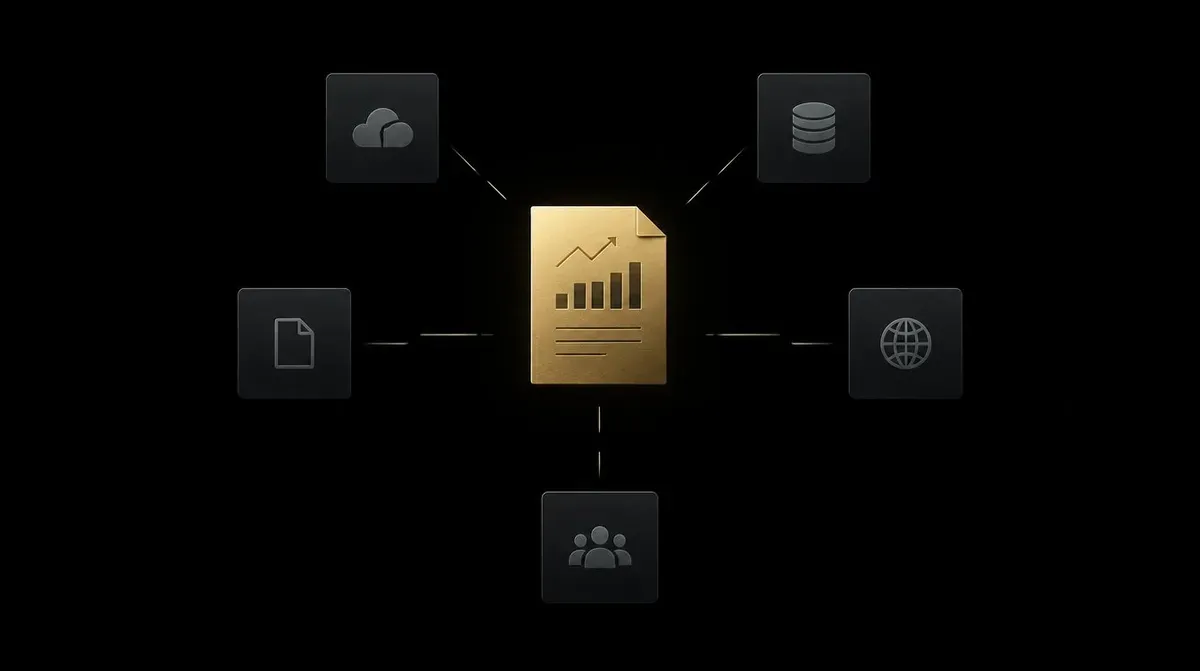
How to automate a Monday report from five sources
How to automate a Monday report from five sources. Same columns, a weekly time, one person who checks the figures before they go out.

Invoice capture: what accounting software misses
Invoice capture beside bexio, Abacus or DeepCloud: mail, portals and approval. OCR inside the tool stays. The trustee stays for the close.

Which process should an SME automate first?
Which process should an SME automate first? Four questions on frequency, pain, a clear end and data. The check is free.