
Three office workflows that are usually worth automating
Automating business processes: three kinds of glue, not the whole firm
Automating business processes in an SME office rarely means “digitise the whole company”. It means three kinds of glue that repeat: invoices that have to land somewhere, quotes nobody follows up, reports assembled every Monday from several sources.
Whether your case should go first is the filter in which process you should automate first: frequency, pain, boundary, data already there. This article is only the three candidates, not the whole filter again.
The three often sit next to each other in Swiss German offices. Not because they are fashionable. Because they are mandatory, every week, and because the software you already pay for leaves a gap right beside it. bexio or Abacus posts. Outlook holds the quote. Excel pastes the report. A person sits in between.
AXA, cited by DeepCloud, noted that AI use in SMEs is rising, often for translation and correspondence. Automating a whole work step is less common. Writing a paragraph is a different job from pulling five sources into the same file every week.
If you have already sorted things out internally and one of the three is clearly ahead, read the rest as a checklist. If all three hurt, read the “not a candidate” parts first. One of them usually drops out.
1. Incoming invoices and the path into bookkeeping
bexio, Abacus and similar tools already extract invoice data and suggest posting. Your trustee still owns year-end and edge cases. Do not “replace” that.
The gap sits next to the software: attachments from five vendor portals, approval by email, matching a purchase order that does not live in the same system. Someone copies, someone ticks, someone hunts the PDF again.
The typical case is not “we have no accounting software”. The typical case is: the invoice arrives as a mail attachment, as a download from the energy portal, as an export from the mobile login, as a scan of paper that sat on the desk all week. Someone puts the file into the tool. Someone approves, often in Teams or on a printed list. Someone checks whether the purchase order matches. The tool only sees the file once it already sits in the right folder.
It repeats if suppliers and portals stay the same. It hurts if the same person spends an hour every Friday searching and filing, or if an invoice sits until the reminder arrives. It has a boundary if you can say: the file is in the tool, fields are suggested, a person has confirmed. The data is already there: in the inbox, in the portal, often already as a PDF.
Not a candidate: every invoice is a special case, or the truth is only on paper that nobody scans. Project billing with twelve exceptions, handwritten notes nobody photographs, invoices that only make sense after a phone call. Then the work does not repeat in the same shape.
What you do not buy here is a second OCR “because AI”. What you buy, if the workflow is a candidate, is the path into the tool: fetch, match, put in a queue for review. Posting stays a decision once account, period or input tax is unclear.
2. Quotes that die in the inbox
The quote goes out, reminders hang on one person, the CRM is incomplete. The wording of the email is not the problem. The rhythm is: when to follow up, who sees status, what happens after “not interested”.
The real process is often: PDF from Outlook, sent quickly to the customer, a task noted somewhere or not at all. Two weeks later the quote is cold. Nobody can say whether anyone followed up, because the truth sits in a mailbox nobody else opens.
It repeats if you send quotes regularly, not once a quarter. It hurts if open offers go quiet and only show up after the quarter has closed, or if only one person knows the status and is on holiday. The boundary is a status: open, followed up, dead, won. The data is already there as soon as the quote exists as a file or a record, even if the CRM is thin.
Not a candidate: every quote is a negotiation with no recurring fields. Automation may remind and draft. It should not invent the close. It must not write as if you had cleared something internally when nobody has.
A mail draft from Copilot helps when the content is already clear. It does not set a reminder when the owner is in the field. When a license is enough and when the rhythm has to be built comes down to exactly that difference.
Customer files do not belong in the free chat.
3. The Monday report from five sources
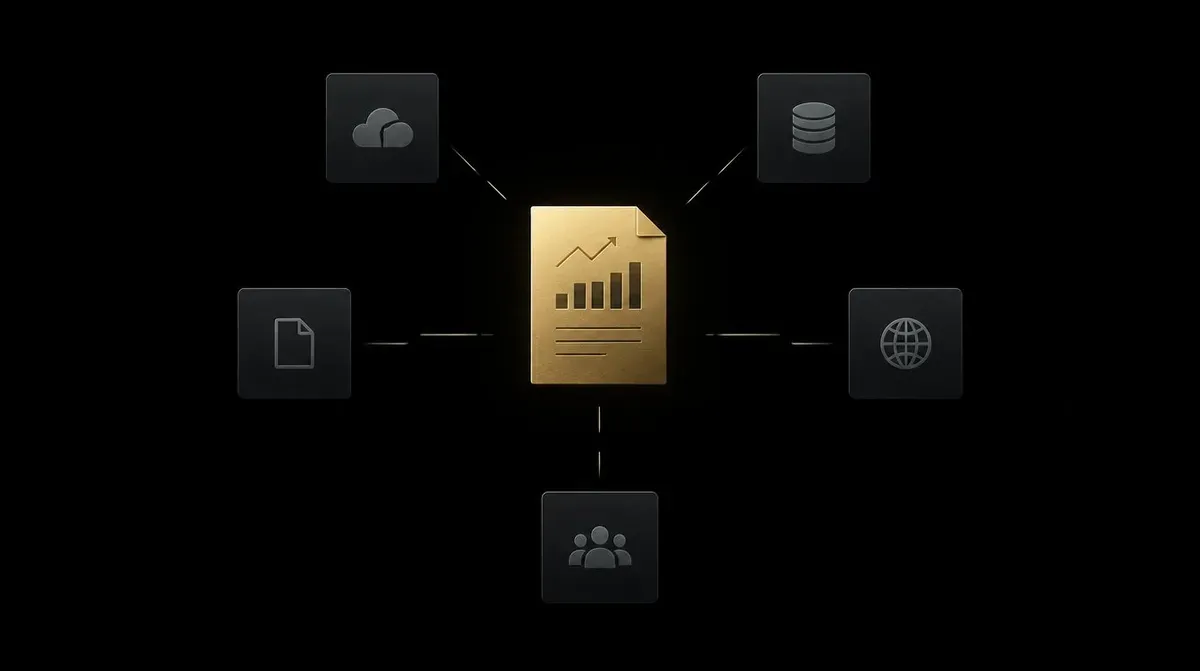
CRM export, two spreadsheets, a PDF, an email. Same columns, same recipients, every week. Copilot in a document writes a paragraph. It does not replace the glue between sources.
The picture is always similar. An export from the CRM. Two spreadsheets nobody has joined. A PDF from a supplier. An email with the numbers “that are not in the system”. The same person pastes, deletes rows, checks totals, sends the file on. If that person is away, the report waits.
It repeats if the recipients and the columns are fixed. It hurts if Monday morning is blocked for it, or if a typo in the wrong column knocks over a meeting. The boundary is a file or a fixed view that goes out. The data sits in the tools and inboxes, even if the glue today is Excel. Often that makes Excel a shadow system: not because Excel is wrong, but because it is the only place the five sources meet.
Not a candidate: different questions and different files every week. Then the report is a conversation, not a workflow. Automation turns that into expensive, false certainty. Numbers that go into reporting do not come unchecked out of a model.
Which of the three you take first
You do not need all three. You need the one that survives the filter most clearly.
If invoices only arrive twice a month and the Monday report eats an hour every week, the report goes first. If quotes go out weekly and nobody follows up, the rhythm goes first, even if the report “also nags”. If bookkeeping hangs in portals every week and quotes are rare, invoices go first.
Two quick exclusions: no owner, then the workflow waits. No file you can point at, then the work is tidy-up first, not glue. The same if you cannot say start and end in one sentence.
If two are equally strong, take the one with the dullest shape. Dull here means: the same fields, the same weekday, the same filing place. Interesting exceptions come later.
Fits automation
- Same fields, same rhythm
- Files or exports already exist
- One person carries the glue today
Better to skip
- Every case is an exception
- No clear owner
- The report is a different conversation each week
Bring one of the three
If one of these workflows sits with you, with frequency and a clear end: use the Process Check for exactly that. 30 minutes, a case, a package size. No tool pitch.
What the half hour is, and what it is not, is in what the Process Check is. Bring the workflow, not five topics. If all three hurt, bring the three. On the call we cut it down to one.
Written by
Aurum Avis Labs
Builds and ships at Aurum Avis Labs. Writes here about what we learn working with founders and SMEs in the DACH region.
Related Articles
You might also be interested in these articles

Invoice capture: what accounting software misses
Invoice capture beside bexio, Abacus or DeepCloud: mail, portals and approval. OCR inside the tool stays. The trustee stays for the close.
How to automate a Monday report from five sources
How to automate a Monday report from five sources. Same columns, a weekly time, one person who checks the figures before they go out.

How to follow up on quotes without losing them
How to follow up on quotes so they do not die in the inbox. Set a cadence, one owner, and a CRM status. Automation may remind and draft.